PUBG & BGMI Stylish Names Ideas: 100+ Copy-Paste Fonts (2026)
A plain in-game name gets lost the moment the match starts. Stylish PUBG names with bold Unicode fonts and symbols make a player instantly recognizable on the kill feed, leaderboard, and squad chat. This guide has ready-to-copy name styles for both PUBG Mobile and BGMI, plus the fastest way to generate your own.
Table of Contents
- Why Stylish Names Matter in PUBG & BGMI
- How to Create a Stylish PUBG/BGMI Name
- 100+ Stylish Name Examples
- Symbol Combos for Extra Flair
- Naming Tips for Squads & Clans
- FAQ
Why Stylish Names Matter in PUBG & BGMI
In a battle royale with 100 players, your name is the only branding you get. A stylish name:
- Stands out on the kill feed when you eliminate someone
- Makes your profile look more “pro” to squadmates and spectators
- Helps build a recognizable identity if you stream or post gameplay clips
How to Create a Stylish PUBG/BGMI Name
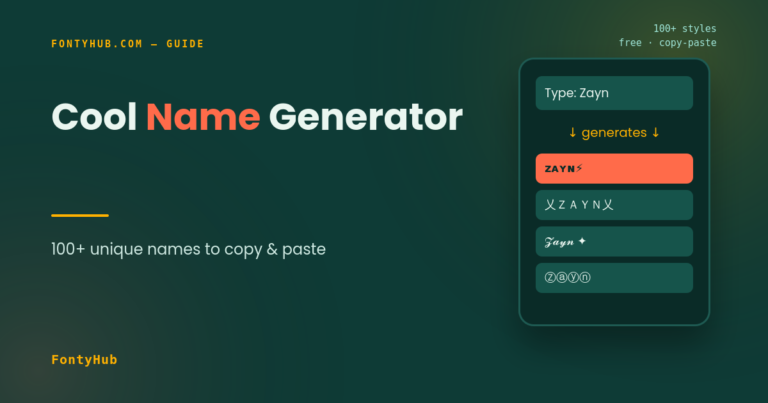
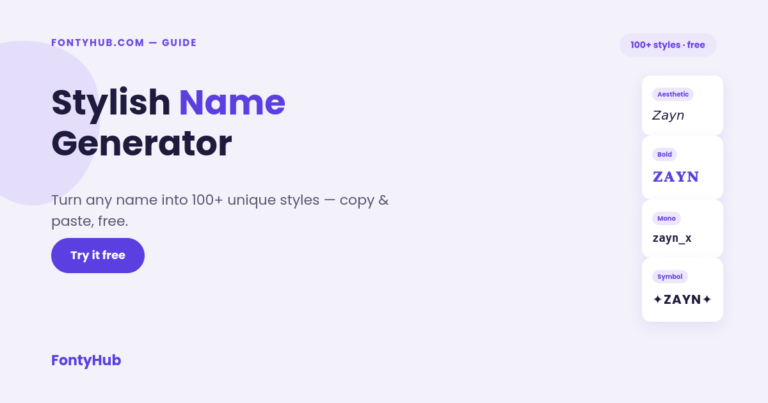
- Open the Stylish Name Generator
- Type your base name or nickname
- Browse the generated stylish PUBG names in different fonts and symbol combos
- Copy your favorite style
- Open PUBG Mobile or BGMI → Basic Settings → Nickname → paste and save
Bold & Aggressive
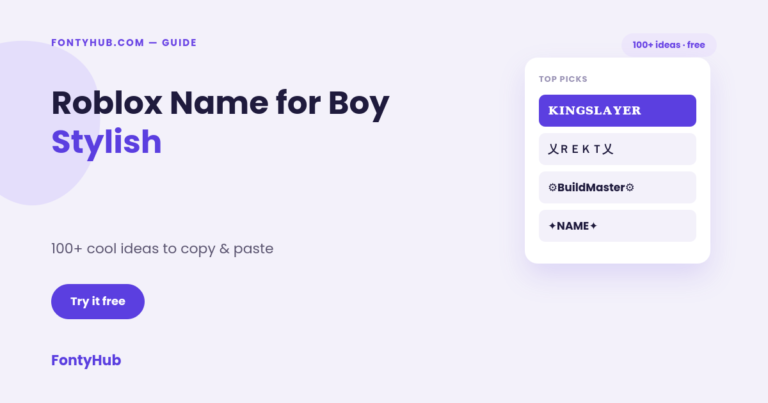
- 𝕯𝖊𝖆𝖙𝖍✟𝕾𝖙𝖗𝖔𝖐𝖊
- メONSTER
- 𝐊𝐈𝐋𝐋𝐄𝐑 ×
Cool / Gamer-Style
- ᶜᴿᴬᶻᵞ_ᴳᵁᵞ
- ⚡FLASH⚡
- 尺卂ᐯ乇几
Cute / Girl Gamer
- Pʀɪɴᴄᴇss•
- 彡ᴄᴜᴛᴇᴋɪʟʟᴇʀ彡
Clan / Squad Style
- 『TEAM』Leader
- ᴳᵒᵈ_丗arrior
These are built on the same Unicode Standard used across all cool font styles, so they display correctly on both Android and iOS.
Symbol Combos for Extra Flair
Adding a symbol before or after a name gives it a signature look:
- ꧁☬NAME☬꧂
- ➤NAME➤
- ⚔NAME⚔
Keep it to one symbol pair — stacking three or four can get cut off in narrower UI elements like the kill feed.
Naming Tips for Squads & Clans
- Use a shared prefix or symbol across the whole squad (e.g. all names starting with 『TS』) so teammates are easy to spot mid-match
- Avoid extremely dense Unicode blocks — some render as boxes (□) on older devices
- Test the name in-game before committing, since a few styles look different in PUBG’s font renderer than on a browser
FAQ
Do stylish names work the same in PUBG Mobile and BGMI? Yes, both games use the same nickname system, so any stylish name that works in one works in the other.
Will a stylish name get me banned? No, using Unicode-based stylish names is allowed. Bans only happen for names containing offensive words or impersonating official accounts.
How many times can I change my PUBG/BGMI name? Both games allow one free name change; after that, changing your name requires UC (in-game currency).
Is the Stylish Name Generator free? Yes, the FontyHub Stylish Name Generator is completely free with no signup.
Ready to find your name? Try the Stylish Name Generator now, or check the Cool Font Styles Guide to explore every style the tool supports.