
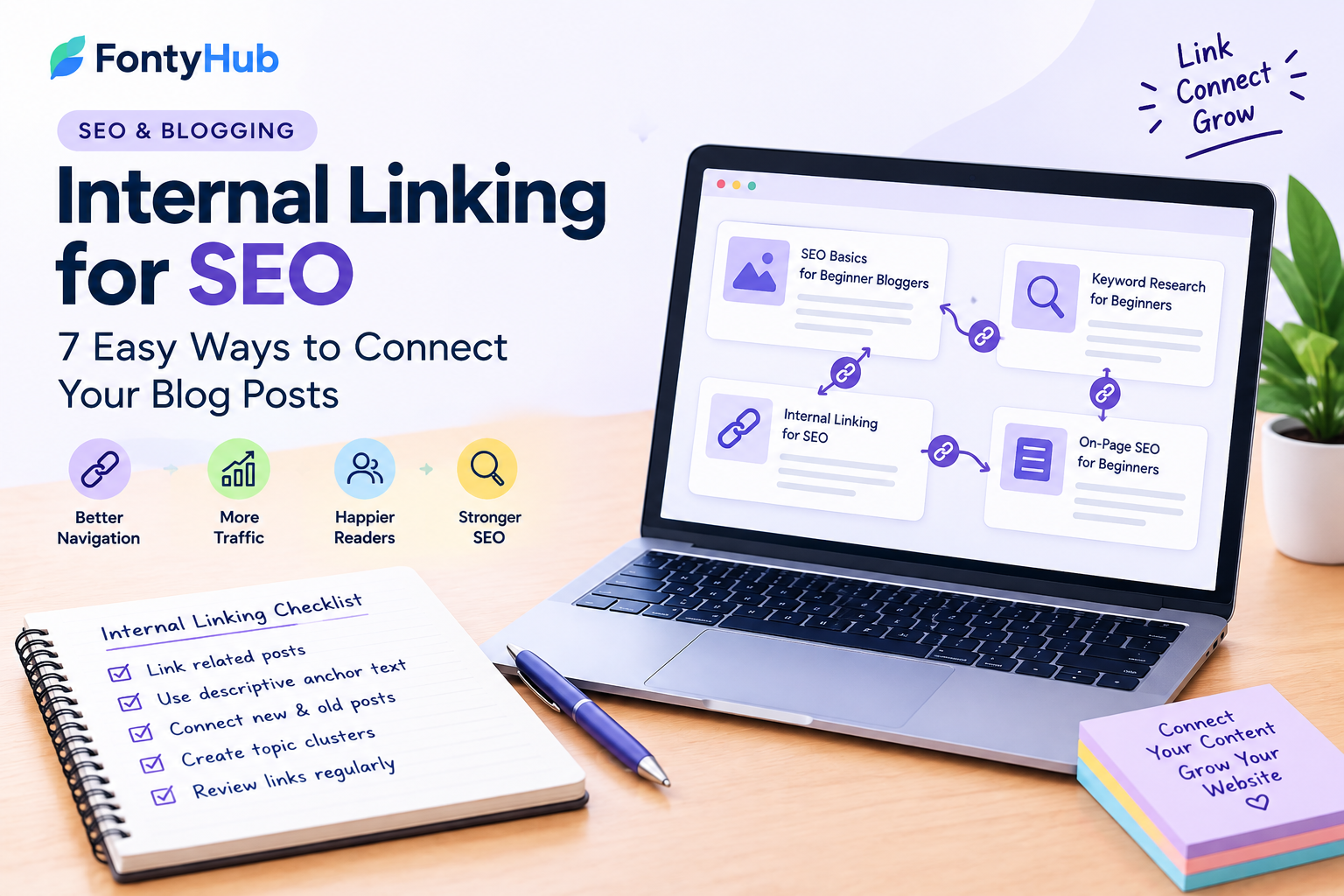
Internal Linking for SEO: 7 Easy Ways to Connect Your Blog Posts
When you publish more blog posts, it becomes important to connect related articles together. One simple way to do this is through internal linking.
Internal links help readers discover other useful pages on your website while also creating a clearer structure between related topics.
For beginners, internal linking can seem complicated, but you do not need a technical SEO background to get started.
In this guide, you will learn what internal linking is, why it matters, and seven simple ways to create a useful internal linking strategy for your blog.
If you are new to SEO, start with our guide to SEO basics for beginner bloggers before learning keyword research.
What Is Internal Linking?
An internal link is a link that takes a visitor from one page on your website to another page on the same website.
For example, if you have an article about keyword research and another article about SEO basics, you can link from one article to the other when the connection is useful to the reader.
Google Search Central provides additional guidance about how Google discovers and understands pages and links on websites.
An internal link can look like this:
SEO basics for beginner bloggers
The clickable words are called anchor text.
Internal links are different from external links. An external link takes visitors to another website, while an internal link keeps the visitor within your own website.
Why Is Internal Linking Important for SEO?
Internal linking can help both users and search engines understand the structure of your website.
A good internal linking system can help readers:
- Discover related articles
- Find additional information
- Move between connected topics
- Spend more time exploring your website
- Navigate your content more easily
Internal links can also help search engines discover and understand relationships between pages.
However, internal links should be added because they are useful and relevant, not simply to increase the number of links on a page.
1. Link Related Blog Posts Together
The easiest way to start internal linking is to connect articles that discuss related topics.
For example, imagine your blog has these articles:
- SEO Basics for Beginner Bloggers
- Keyword Research for Beginners
- Internal Linking for SEO
- On-Page SEO for Beginners
These articles are closely related.
You can connect them naturally so that someone reading one article can easily continue learning about the next topic.
This creates a more useful experience for readers and gives your website a clearer content structure.
2. Use Descriptive Anchor Text
Anchor text is the clickable text used for a link.
Instead of using generic text such as:
Click here
or:
Read more
try to use descriptive text that tells the reader what they will find.
For example:
Learn SEO basics for beginner bloggers
or:
Read our beginner’s guide to keyword research
Descriptive anchor text gives readers more information before they click the link.
The anchor text should also sound natural within the sentence.
3. Link From Older Posts to New Posts
Whenever you publish a new article, go back to some of your older relevant posts.
Look for places where the new article would genuinely help the reader.
For example, if you publish a new article about internal linking, you could return to an older SEO article and add a sentence such as:
“Once you understand the basics of SEO, internal linking can help you connect related content across your website.”
Then link the phrase:
internal linking
to your new article.
This is a simple way to help visitors discover new content.
4. Link New Posts to Useful Older Posts
Internal linking should work in both directions.
When publishing a new article, look for older articles that provide useful background information.
For example, in a keyword research article, you could link to your SEO basics article.
A sentence might look like this:
“If you are new to SEO, start with our guide to SEO basics for beginner bloggers before learning keyword research.”
The anchor text:
SEO basics for beginner bloggers
can link to your earlier article.
This creates a connected group of related content.
5. Create Topic Clusters
A topic cluster is a group of related articles connected through internal links.
For example, an SEO topic cluster could include:
SEO Basics
↓
Keyword Research
↓
Internal Linking
↓
On-Page SEO
↓
Search Console
↓
SEO Content Writing
Each article covers a different part of the broader topic.
When these articles are connected naturally, readers can move from one topic to another without having to search for the next article themselves.
Topic clusters can also make your website easier to understand because related content is organized around a broader subject.
6. Add Links Where They Are Actually Helpful
You do not need to add internal links to every sentence.
Too many links can make an article difficult to read and may distract visitors from the main topic.
Instead, ask yourself:
“Would this link help the reader understand this topic better?”
If the answer is yes, add the link.
For example, if you are explaining keyword research and already have a detailed article about keyword research for beginners, linking to it makes sense.
But linking to an unrelated article about home decoration would not provide the same value.
Relevance should come first.
7. Review Your Internal Links Regularly
As your website grows, older articles can become disconnected from newer content.
Take some time every few weeks to review your blog.
Look for:
- New articles that need links
- Older articles with useful information
- Broken internal links
- Pages with very few internal links
- Articles covering closely related topics
You can gradually improve your internal linking structure instead of trying to fix everything at once.
A small amount of regular maintenance can make your website easier to navigate.
How Many Internal Links Should a Blog Post Have?
There is no single number that every article needs.
The right number depends on the length and topic of the article.
A short article may only need a few relevant internal links, while a long guide may naturally contain more.
The important thing is that every link should have a reason.
Don’t add links simply because you think more links automatically mean better SEO.
Focus on helping the reader move to another useful page.
Common Internal Linking Mistakes
Using the Same Anchor Text Everywhere
Using exactly the same anchor text for every link can make your linking feel unnatural.
Use descriptive wording that fits the context of each sentence.
Linking to Unrelated Pages
An internal link should be relevant to the content around it.
Avoid adding links just because you want to promote another page.
Adding Too Many Links
A page filled with links can become difficult to read.
Keep the user experience in mind.
Forgetting Older Articles
Many bloggers only add links to new posts.
Remember to revisit older content and connect it with useful newer articles.
Using Generic Anchor Text Everywhere
Words such as “click here” don’t tell readers much about the destination.
Whenever possible, use descriptive anchor text.
A Simple Internal Linking Strategy for Beginners
If you are new to internal linking, start with this simple process:
- Publish a useful article.
- Find two or three related older articles.
- Add relevant internal links to the new article.
- Visit older related articles.
- Add links back to the new article where appropriate.
- Use descriptive anchor text.
- Check your links after publishing.
You don’t need to redesign your entire website.
Start with your most important and closely related articles.
Example of an Internal Linking Structure
Imagine your website has three articles:
Article 1:
SEO Basics for Beginner Bloggers
Article 2:
Keyword Research for Beginners
Article 3:
Internal Linking for SEO
You can connect them like this:
SEO Basics
↓
Keyword Research
↓
Internal Linking
Then link the Internal Linking article back to the SEO Basics and Keyword Research articles where those resources are relevant.
Over time, you can add more related articles to this structure.
This creates a simple network of useful content instead of leaving every article isolated.
Frequently Asked Questions
What is internal linking in SEO?
Internal linking is the practice of linking one page on your website to another page on the same website. It helps visitors discover related content and can help search engines understand your site’s structure.
Are internal links good for SEO?
Internal links can help users navigate your website and help search engines discover and understand related pages. They are most useful when they are relevant and naturally placed.
What should I use as internal link anchor text?
Use descriptive words that clearly indicate what the linked page is about. The anchor text should fit naturally within the surrounding sentence.
How many internal links should I add to a blog post?
There is no fixed number. Add links where they provide genuine value to the reader. The length and topic of the article can influence how many relevant links make sense.
Should I link old blog posts to new posts?
Yes, when the new article is relevant. Revisiting older articles and adding useful links to newer content can help readers discover your latest resources.
Can internal linking improve website navigation?
Yes. Relevant internal links can make it easier for visitors to move between related pages and find additional information.
Final Thoughts
Internal linking is a simple SEO practice that beginners can start using immediately.
Instead of treating every blog post as a separate page, connect related articles so readers can easily continue learning.
Start by linking related posts, use descriptive anchor text, connect new content with useful older articles, and review your internal links regularly.
Most importantly, add links for people first.
When an internal link genuinely helps a reader find useful information, it becomes a valuable part of your website’s overall content structure.
As your blog grows, a thoughtful internal linking strategy can help turn individual articles into a connected library of useful information.