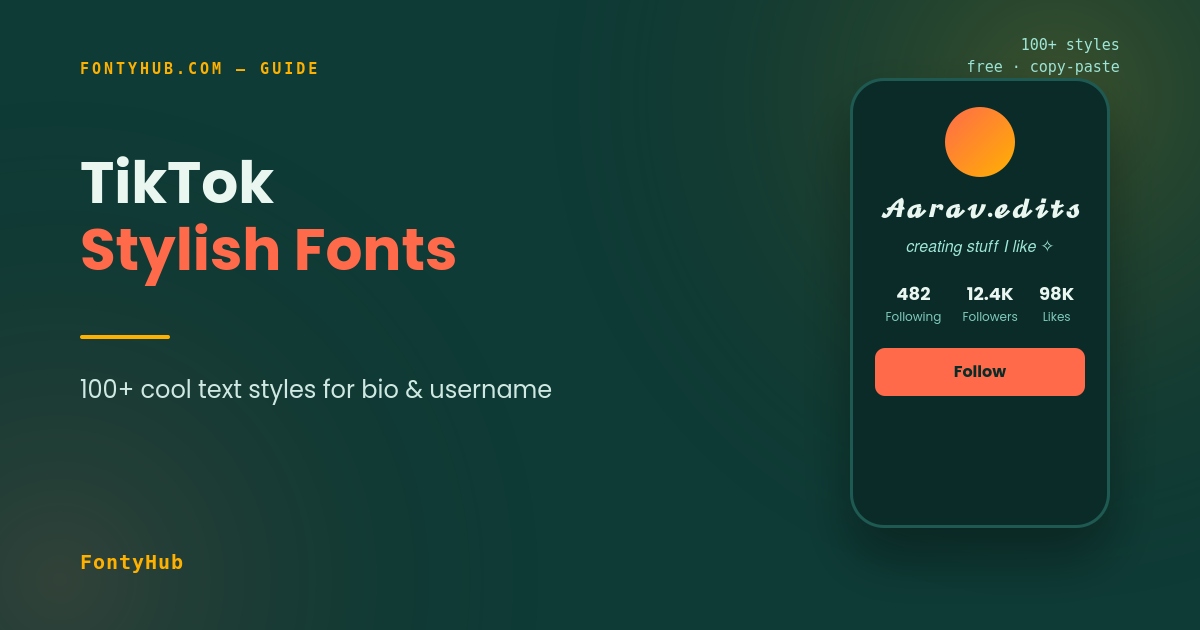
TikTok Stylish Fonts: 100+ Cool Text Styles for Bio & Username (2026)
Scroll through any “For You” page and you’ll notice the accounts that stand out usually have one thing in common: a bio or username that isn’t plain text. TikTok stylish fonts work through Unicode characters, not an app setting, and this guide covers exactly how to get them for your bio, username, and captions.
TikTok’s algorithm rewards profiles that get tapped on, not just watched — and a bio is often the first thing a new visitor reads before deciding to follow. A styled bio takes ten seconds to set up and can be the small detail that makes a profile feel intentional rather than default.
Table of Contents
- Why Stylish Fonts Work Well on TikTok
- How to Get TikTok Stylish Fonts
- Best Font Styles for Bio, Username & Captions
- Stylish Bio Examples for Different Niches
- TikTok Stylish Fonts vs a Custom Font App
- Pairing Stylish Fonts with Your Content Strategy
- Common Questions Creators Ask Before Styling Their Profile
- Things to Keep in Mind
- FAQ
Why Stylish Fonts Work Well on TikTok
TikTok displays the same system font for every account by default. A styled bio or username is one of the only ways to add personality to a profile without relying purely on video content. It’s especially common for:
- Creators trying to make their profile memorable enough to earn a follow, not just a view
- Small businesses and shop accounts wanting their name to look intentional in a crowded niche
- Fan pages and edit accounts that use stylized text as part of their aesthetic
- Anyone wanting their username to stand out in the comment section, where dozens of plain names scroll past every second
How to Get TikTok Stylish Fonts
- Open the Cool Font Generator
- Type your bio text, username, or caption
- Browse the generated TikTok stylish fonts — bold, cursive, aesthetic, and more
- Tap your favorite style to copy it
- Open TikTok → Edit Profile → paste into Bio or Name → Save
For captions, just paste the styled text directly into the caption box when posting or editing a video.
[Suggested image here — screenshot of a styled TikTok bio. Alt text: “TikTok stylish fonts applied to profile bio”]
Best Font Styles for Bio, Username & Captions
For your Username/Name
- 𝐄𝐦𝐦𝐚 ✰
- 𝓝𝓸𝓪𝓱.𝓮𝓭𝓲𝓽𝓼
- 𝕵𝖆𝖉𝖊 ⚡
For your Bio
- 𝘤𝘳𝘦𝘢𝘵𝘪𝘯𝘨 𝘴𝘵𝘶𝘧𝘧 𝘐 𝘭𝘪𝘬𝘦 ✧
- 𝟐𝟐 | 𝗰𝗼𝗻𝘁𝗲𝗻𝘁 𝗰𝗿𝗲𝗮𝘁𝗼𝗿 | 𝗱𝗺 𝗳𝗼𝗿 𝗰𝗼𝗹𝗹𝗮𝗯𝘀
- 𝕟𝕠𝕥 𝕒𝕧𝕖𝕣𝕒𝕘𝕖, 𝕛𝕦𝕤𝕥 𝕞𝕖
For Captions
- 𝗽𝗼𝘃: 𝘆𝗼𝘂 𝗳𝗶𝗻𝗮𝗹𝗹𝘆 𝗽𝗼𝘀𝘁𝗲𝗱 ✨
- ⋆。°✩ 𝘴𝘢𝘷𝘦 𝘵𝘩𝘪𝘴 𝘧𝘰𝘳 𝘭𝘢𝘵𝘦𝘳 ✩°。⋆
All of these rely on standard Unicode characters, so they render the same whether the person viewing your profile is on Android, iPhone, or TikTok’s web version.
Stylish Bio Examples for Different Niches
A few ready-to-adapt bio formats depending on your content type:
- Lifestyle/vlog: ✧ 𝘭𝘪𝘷𝘪𝘯𝘨 𝘴𝘭𝘰𝘸𝘭𝘺 & 𝘴𝘩𝘢𝘳𝘪𝘯𝘨 𝘪𝘵 ✧
- Fitness/motivation: 𝗕𝗨𝗜𝗟𝗧 𝗡𝗢𝗧 𝗕𝗢𝗥𝗡 | 𝗳𝗶𝘁𝗻𝗲𝘀𝘀 𝘁𝗶𝗽𝘀 𝗱𝗮𝗶𝗹𝘆
- Comedy/skits: 𝓶𝓪𝓴𝓲𝓷𝓰 𝓹𝓮𝓸𝓹𝓵𝓮 𝓵𝓪𝓾𝓰𝓱, 𝓸𝓷𝓮 𝓿𝓲𝓭𝓮𝓸 𝓪𝓽 𝓪 𝓽𝓲𝓶𝓮
- Small business: 𝗢𝗿𝗱𝗲𝗿𝘀 𝘁𝗮𝗸𝗲𝗻 𝗱𝗮𝗶𝗹𝘆 ✦ 𝗹𝗶𝗻𝗸 𝗶𝗻 𝗯𝗶𝗼
Matching the style to the niche makes it feel designed rather than randomly picked — a cursive style suits a lifestyle page differently than it would a gaming or fitness account.
TikTok Stylish Fonts vs a Custom Font App
It’s worth understanding the difference, since both approaches get labeled “custom fonts” online but work very differently:
- Unicode stylish fonts (what this guide covers) are just text — no app permissions, no download, and they work instantly by copy-pasting a different character set.
- Third-party keyboard apps that claim to add custom fonts to TikTok typically require installing a separate keyboard app and granting it permissions, which carries more privacy risk for very little extra benefit over the free copy-paste method.
For a bio, username, or caption, the Unicode method covers virtually every use case without needing to install anything extra.
Pairing Stylish Fonts with Your Content Strategy
A styled bio works best when it’s part of a broader profile strategy rather than a one-off change. A few ways creators tie it together:
- Match your bio style to your video aesthetic. A pastel, cursive-heavy editing style pairs naturally with a soft cursive bio; a bold, high-energy content style usually reads better with bold Unicode text.
- Use your bio to reinforce your niche. Since TikTok bios are short, a stylized keyword or two (like “𝗳𝗶𝘁𝗻𝗲𝘀𝘀” or “𝗰𝗼𝗺𝗲𝗱𝘆”) can double as a quick content label for new visitors.
- Refresh it around milestones. Creators often update their bio style around a follower milestone, a new content series, or a seasonal theme — it’s a low-effort way to keep a profile feeling active.
You can extend this further with FontyHub’s Hashtag Generator to pair a styled bio with relevant tags for your niche, since bio styling and hashtag strategy tend to work best together rather than in isolation.
Common Questions Creators Ask Before Styling Their Profile
A few things that come up often when creators try this for the first time:
- Does a stylish bio look unprofessional for a business account? Not if it’s used sparingly — a bold or clean sans-serif style for a business name, paired with plain text for hours or contact details, tends to look intentional rather than decorative.
- Should the whole bio be styled, or just part of it? Styling just the name or a key phrase and leaving the rest in plain text is often more readable than styling every line, especially for longer bios.
- What if TikTok updates and stops supporting a style? Because these are standard Unicode characters (not an app feature), they’re not tied to TikTok’s own updates — the same text will keep working unless a device’s font rendering itself changes.
Things to Keep in Mind
- Very dense Unicode styles can appear as small boxes (□) on older phones — preview before saving
- TikTok’s bio has a character limit (80 characters), so pick compact styles for that field specifically
- Username changes on TikTok are limited, so it’s worth deciding on a style you’re happy with before saving it as your permanent handle
- Overly long stylized captions can get cut off in the preview before someone taps “see more” — keep key information near the start
FAQ
Yes, since they’re Unicode text, they display the same on the app, mobile browser, and desktop version of TikTok.
Searching for the exact styled characters can be trickier than plain text, so it’s worth also mentioning your handle in plain text somewhere, like your bio.
Yes, the same copy- paste method works in comments, not just bios and captions.
Yes, FontyHub’s Cool Font Generator is completely free with no signu.p ,required.
No direct effect on views, but a more polished bio can improve your follow rate once someone lands on your profile.
Ready to style your profile? Try the Cool Font Generator now, or check the Bio Generator for a complete bio built around your niche.