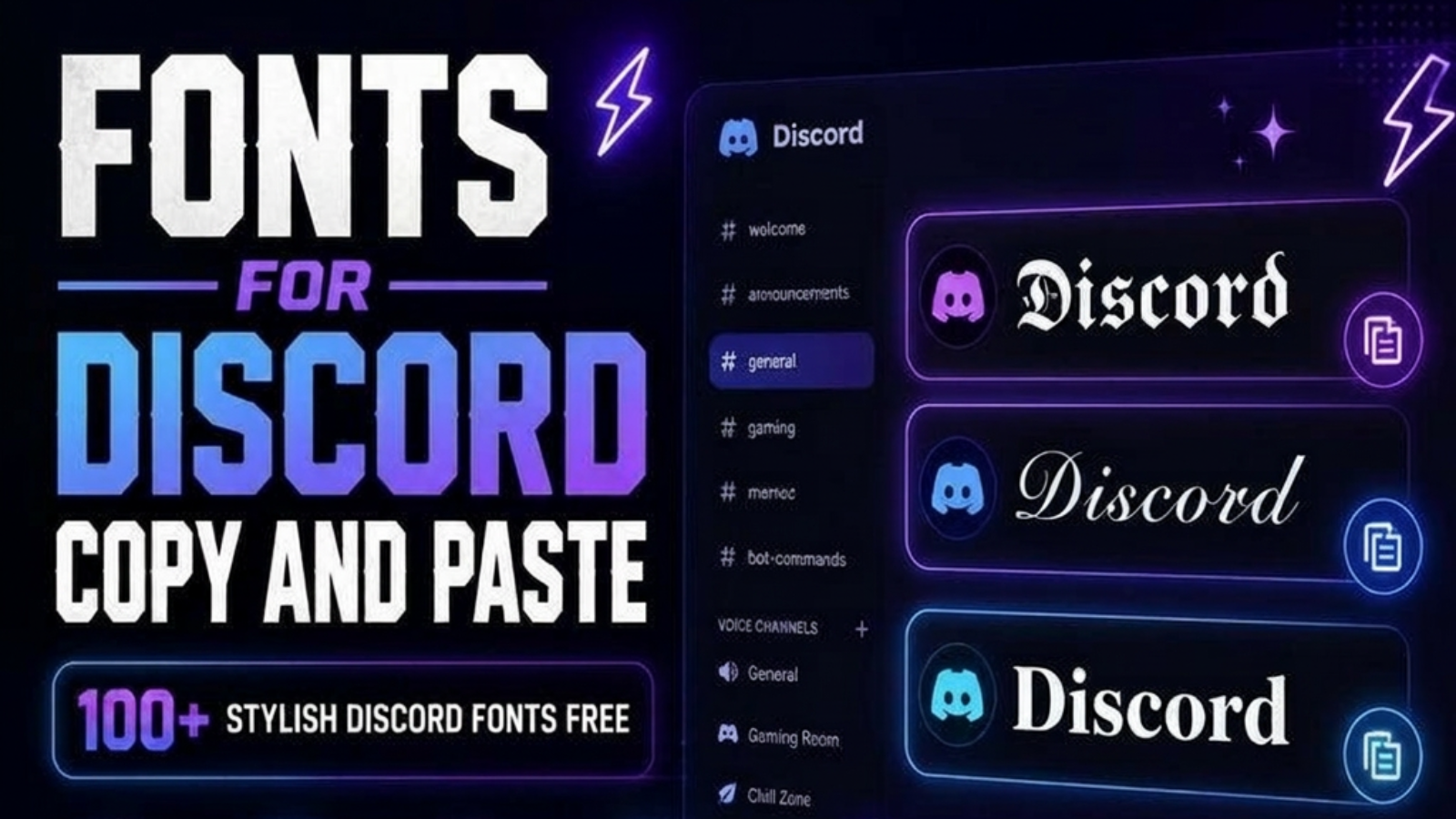
Fonts for Discord Copy and Paste
Discord is one of the most popular communication platforms for gamers, creators, developers, students, and online communities. Every day, millions of users join servers to chat, share ideas, play games, and connect with friends. Because so many people use Discord, having a unique profile helps you stand out from the crowd.
One of the easiest ways to personalize your Discord account is by using stylish Discord fonts. Instead of using plain text, you can create beautiful Unicode text that looks modern, attractive, and eye-catching. Stylish fonts can be used in usernames, nicknames, server names, bios, and even messages.
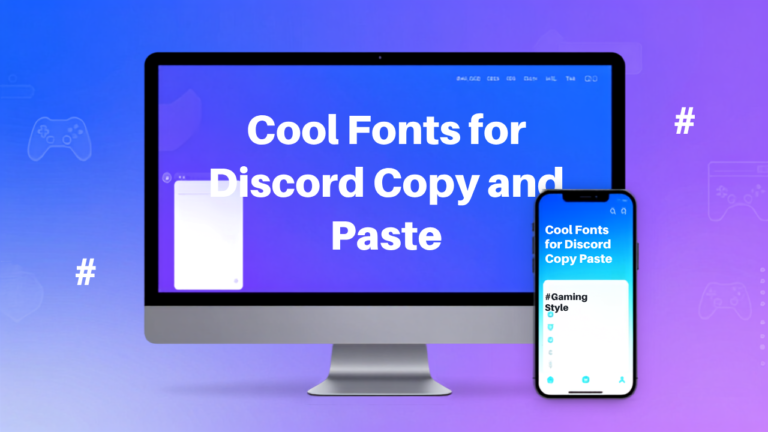
With the FontyHub Discord Font Generator, you can generate hundreds of stylish font styles in just a few seconds. Simply type your text, choose your favorite style, copy it, and paste it directly into Discord.
Whether you are a gamer looking for an awesome username, a content creator building your personal brand, or a community owner who wants professional-looking server names, stylish Discord fonts can make your profile more attractive and memorable.
If you want to explore even more stylish text styles beyond Discord, try our Cool Font Generator. It lets you create hundreds of fancy Unicode fonts for Instagram, Facebook, TikTok, WhatsApp, X (Twitter), gaming usernames, and many other platforms. Simply type your text, copy your favorite style, and paste it anywhere online.
What Are Discord Fonts?
Many people believe Discord includes different built-in font styles, but this is not actually true.
Discord normally displays regular text. The stylish text you see on many profiles is created using Unicode characters. Unicode is an international character standard that contains thousands of unique symbols and letters. These special characters look different from normal English letters while still behaving like standard text.
For example, the word Discord can appear in many different styles:
Discord
𝓓𝓲𝓼𝓬𝓸𝓻𝓭
𝔇𝔦𝔰𝔠𝔬𝔯𝔡
𝕯𝖎𝖘𝖈𝖔𝖗𝖉
𝐃𝐢𝐬𝐜𝐨𝐫𝐝
𝘿𝙞𝙨𝙘𝙤𝙧𝙙
These are not downloaded fonts. They are Unicode characters that work on most modern devices, including Windows, macOS, Android, iPhone, and popular web browsers.
Why Use Stylish Fonts on Discord?
Using stylish fonts offers many benefits beyond making your profile look attractive.
Looking for a unique gaming or social media username? Our Stylish Name Generator helps you create eye-catching names for Discord, PUBG, Free Fire, Roblox, Instagram, and other platforms. Generate stylish names instantly and make your profile stand out.
Make Your Username Unique
Thousands of Discord users may have similar usernames. Stylish fonts instantly make your name different and easier to remember.
Example:
Normal:
ShadowHunter
Stylish:
𝕾𝖍𝖆𝖉𝖔𝖜𝕳𝖚𝖓𝖙𝖊𝖗
or
𝓢𝓱𝓪𝓭𝓸𝔀𝓗𝓾𝓷𝓽𝓮𝓻
These names immediately grab attention inside Discord servers.
Build Your Gaming Identity
If you play games like Minecraft, Valorant, PUBG Mobile, Free Fire, Fortnite, or Call of Duty, your username becomes part of your identity.
A stylish username looks more professional and memorable.
Examples:
★ DragonX
⚡ NightWolf
✦ GhostKing
☠ ShadowPro
Many streamers and esports players also use stylish Unicode fonts to create a stronger personal brand across Discord and other gaming platforms.
Improve Your Discord Bio
Your Discord bio gives other users a quick introduction about you.
Instead of plain text, you can use stylish fonts to create an attractive profile.
Example:
🎮 Professional Gamer
🔥 Content Creator
🌎 Community Manager
✨ Join Our Gaming Server
A creative bio leaves a better first impression and makes your profile look more polished.
A great username deserves an impressive bio. Try our Bio Generator Tool to create professional, creative, and stylish bios for Discord, Instagram, TikTok, and other social media platforms. It’s free, fast, and easy to use.
Create Better Server Names
Server owners often use stylish fonts for:
- Gaming communities
- Anime servers
- Study groups
- Business communities
- Coding communities
- Giveaway channels
- Event announcements
Stylish text makes channel names and announcements more visually appealing.
How Discord Fonts Work
Discord font generators convert normal letters into Unicode characters.
For example:
A → 𝓐
B → 𝓑
C → 𝓒
D → 𝓓
E → 𝓔
When you type text into FontyHub, the generator instantly creates multiple stylish versions using Unicode. You simply copy the version you like and paste it into Discord.
Since Unicode is supported by most modern devices, these stylish fonts usually display correctly on desktops, laptops, tablets, and smartphones without installing any extra software.
Unlike image-based text, Unicode fonts remain editable, searchable, and easy to copy and paste. This makes them the perfect choice for Discord usernames, nicknames, bios, and community branding.
Discord fonts work because they use Unicode characters, an international text standard that allows special letters and symbols to appear across different devices and platforms. If you’d like to learn more about how Unicode works, you can visit the official Unicode website for detailed information.
How to Create Discord Fonts Using FontyHub
Creating stylish Discord fonts is simple and takes only a few seconds. You don’t need to install any software or create an account.
Follow these easy steps:
Step 1: Open FontyHub
Visit the FontyHub Discord Font Generator page.
Step 2: Type Your Text
Enter your username, nickname, server name, bio, or any text you want to convert.
Example:
ShadowHunter
Step 3: Browse Font Styles
The generator instantly creates dozens of stylish font variations.
Examples:
𝕾𝖍𝖆𝖉𝖔𝖜𝕳𝖚𝖓𝖙𝖊𝖗
𝓢𝓱𝓪𝓭𝓸𝔀𝓗𝓾𝓷𝓽𝓮𝓻
𝐒𝐡𝐚𝐝𝐨𝐰𝐇𝐮𝐧𝐭𝐞𝐫
𝘚𝘩𝘢𝘥𝘰𝘸𝘏𝘶𝘯𝘵𝘦𝘳
🅂🄷🄰🄳🄾🅆🄷🅄🄽🅃🄴🅁
Step 4: Copy Your Favorite Style
Click the Copy button beside your preferred font.
Step 5: Paste into Discord
Open Discord.
Go to your profile or nickname settings.
Paste the copied text.
Save your changes.
That’s it! Your stylish Discord font is now ready.
Best Discord Font Styles
Different situations require different font styles. Here are some of the most popular styles available on FontyHub.
1. Gothic Fonts
Gothic fonts look bold, elegant, and powerful.
Example:
𝕯𝖎𝖘𝖈𝖔𝖗𝖉
These fonts are perfect for gamers and competitive communities.
2. Cursive Fonts
Cursive fonts give your text a handwritten appearance.
Example:
𝓓𝓲𝓼𝓬𝓸𝓻𝓭
These are ideal for aesthetic profiles and creative users.
3. Bold Fonts
Bold Unicode fonts create a clean and professional look.
Example:
𝐃𝐢𝐬𝐜𝐨𝐫𝐝
These fonts are easy to read while still looking unique.
4. Double-Struck Fonts
Double-struck characters provide a premium appearance.
Example:
𝔻𝕚𝕤𝕔𝕠𝕣𝕕
Many users prefer this style for modern usernames.
5. Bubble Fonts
Bubble fonts are playful and attractive.
Example:
ⓓⓘⓢⓒⓞⓡⓓ
They are commonly used in casual communities.
6. Small Caps
Small capital letters look clean and professional.
Example:
Dɪsᴄᴏʀᴅ
These fonts work well for minimalist profiles.
Discord Fonts for Gaming
Gaming communities often judge players by their usernames before they even start playing.
A stylish gaming name helps you create a memorable identity.
Popular gaming names include:
⚡DarkLegend
★GhostHunter
☠NightWolf
✦FireDragon
🔥CyberKing
Many professional gamers use stylish fonts across Discord, Twitch, Steam, YouTube, and social media to maintain consistent branding.
Discord Fonts for Community Owners
If you manage a Discord server, stylish fonts can improve your branding.
Use them for:
• Welcome messages
• Server titles
• Rules channels
• Giveaway announcements
• Event names
• VIP sections
Professional-looking text helps your community appear more organized and engaging.
Best Fonts for Discord Bio
Your Discord bio is one of the first things people notice.
Instead of writing plain text, create an attractive bio.
Example 1
🎮 Gamer
🔥 Content Creator
🌎 Pakistan
✨ Welcome to my profile
Example 2
💻 Web Developer
🚀 Digital Marketer
📚 Lifelong Learner
❤️ Coffee Lover
Example 3
⚡ Stay Positive
🎯 Keep Learning
🌟 Dream Big
😊 Be Kind
A creative bio makes your profile more memorable and encourages people to interact with you.
Tips for Choosing the Best Discord Font
Choose fonts that are easy to read.
Avoid using too many decorative symbols.
Keep your username short and memorable.
Test your font on both desktop and mobile devices.
Use the same style across Discord, Twitch, YouTube, and other gaming platforms to build a consistent personal brand.
Remember that readability is more important than using the fanciest font. A clean and stylish username usually creates the best impression.
Frequently Asked Questions (FAQs)
Absolutely. FontyHub offers a free Discord Font Generator that lets you create unlimited stylish fonts without registration.
Yes. Unicode fonts work on Android, iPhone, tablets, Windows PCs, macOS, and most modern web browsers.
Yes. Many gamers use stylish Discord fonts for PUBG Mobile, Free Fire, Valorant, Minecraft, Roblox, Fortnite, and other games to make their usernames unique.
Yes. Unicode characters are an international text standard. They are safe to copy and paste because they are normal text characters, not downloadable files.
Older devices or outdated applications may not support every Unicode character. Most modern devices display these fonts correctly.
Bold, Gothic, Cursive, Small Caps, and Double-Struck fonts are among the most popular because they are stylish while remaining easy to read.
Simply visit FontyHub, type your text into the Discord Font Generator, choose your favorite style, copy it, and paste it into Discord.
Conclusion
Using stylish Discord fonts is one of the easiest ways to make your profile stand out. Whether you want a unique gaming username, an attractive Discord bio, or professional-looking server names, Unicode fonts provide endless creative possibilities.
With FontyHub’s free Discord Font Generator, you can generate hundreds of stylish fonts instantly. Simply type your text, choose your favorite design, copy it, and paste it anywhere on Discord. There is no software to install, no account required, and no cost to use the generator.
If you want to personalize your Discord identity, create memorable usernames, and make your community look more professional, start using FontyHub today and explore hundreds of creative font styles.